
Step 1: Create an Account
Primary Email: The email address used during your checkout will automatically become the primary login for your WheelMan Connect mobile and web applications. Click below to open the connect application and reset your password.
Subscription Access: Following your purchase, you will receive an email prompting you to sign up for the required subscription, which grants access to the mobile and web application.
Support: If you need to change your primary email address or did not receive the subscription sign-up email, please contact us at support@wheelmanllc.com
Step 2: Installation
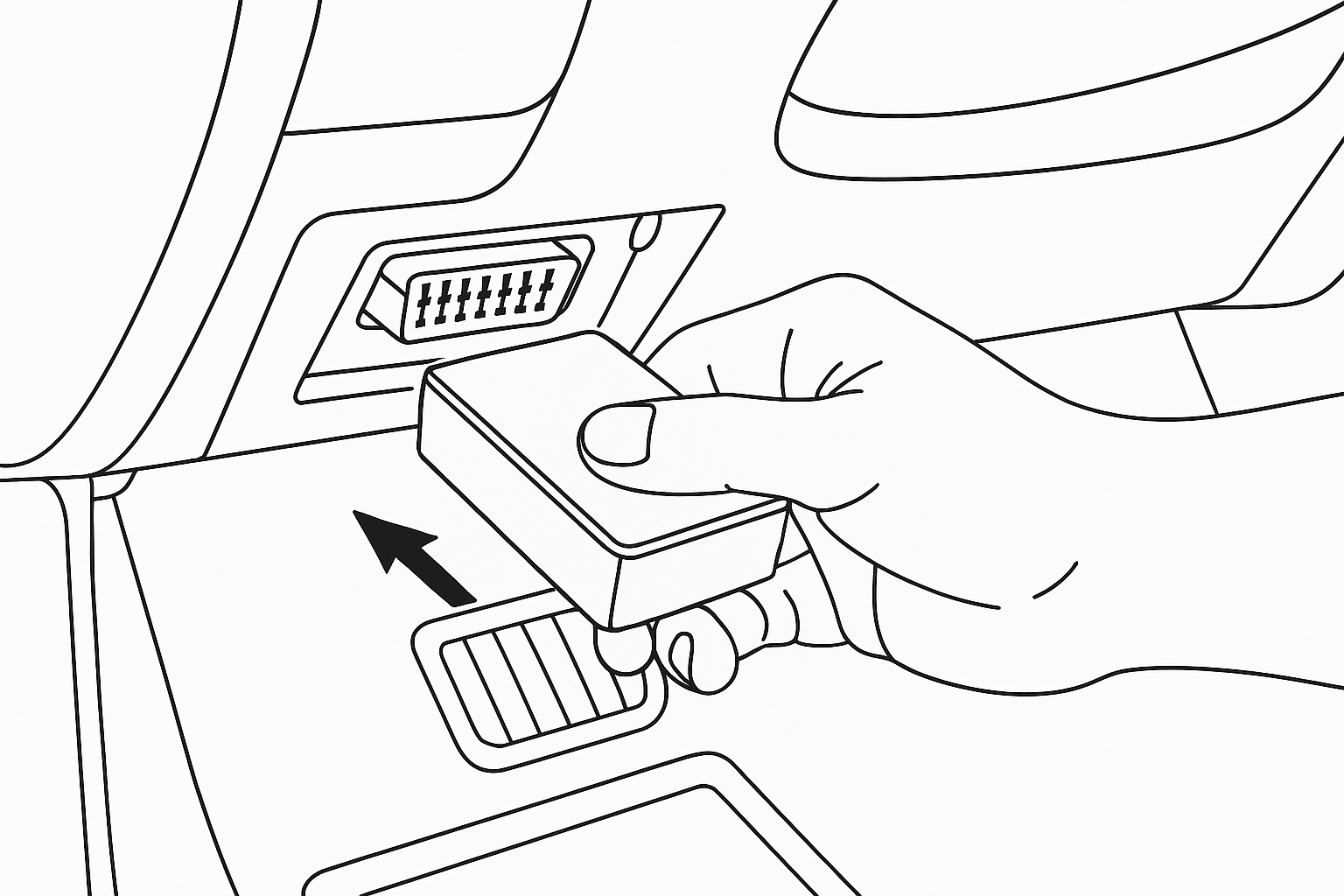
The device is plug and play. Locate your car's OBD-II port (normally under the dashboard) and plug in the device.
Step 3: Sign in
Click Below
&
Click below to download the mobile app